Launch Wireless Presentations Instantly
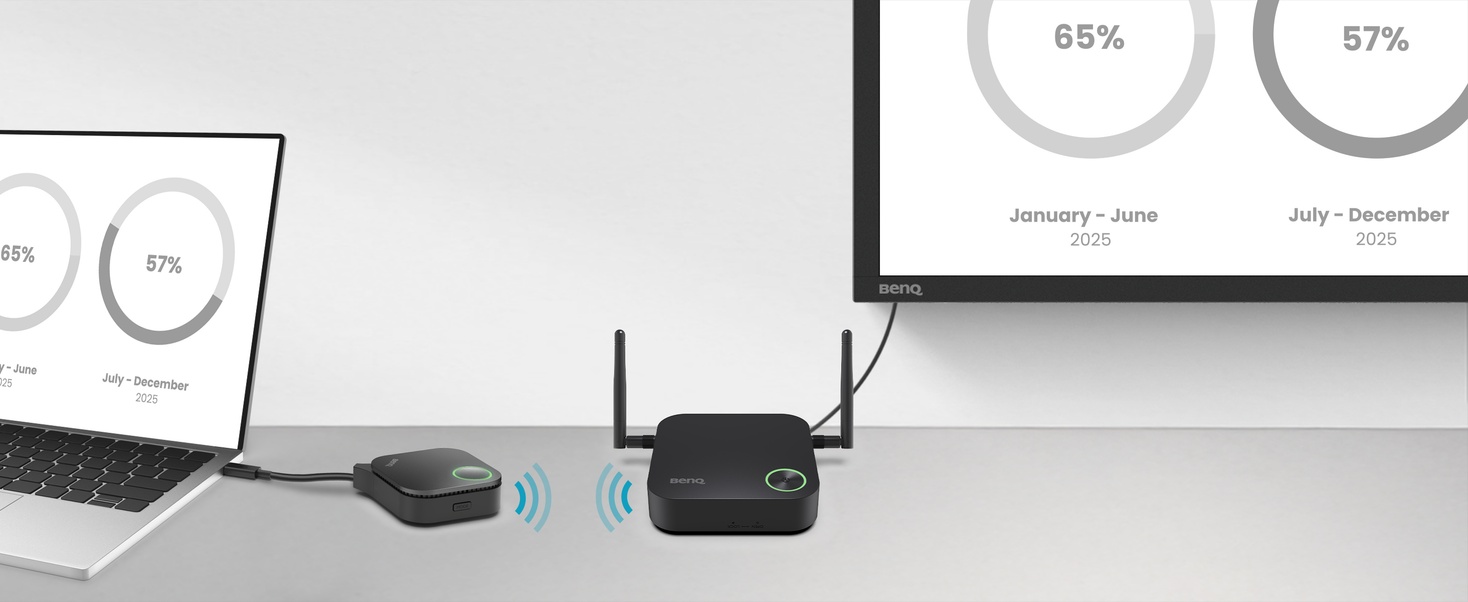
BenQ InstaShow WDC15 enables instant plug-and-play wireless presentations—no apps, drivers, or network setup required. Presenters—even guests—can access professional-grade presentations with a tap.

No Driver Needed
No Setup
No drivers needed — just plug in and share your screen instantly during meetings.

No App Download Required
No Setup
No software or app required — just plug in and instantly share content during your meeting.

No Network Setup Required
No Setup
No network setup or IT help needed. Receiver and transmitter auto-pair — just plug in and present.

No Setup
Guest-Friendly Design
Guests can present instantly via HDMI OR USB-C — no app or login required. Securely share from any laptop, including MacBook and Chromebook, keeping meetings on track.

Crisp 4K UHD Transmission
Seamless Transmission
Showcase 4K content smoothly — no stutter or distortion, just powerful, clear visuals.

Direct Touch Control
Seamless Transmission
Control content onthe interactive display — seamless interaction without disruptions.

Smoth HDCP Streaming
Seamless Transmission
App-free design enables lag-fre HDCP content playback for smooth presentations.
Superior Encryption Security

Zero Software or Network Setup
No software or internet needed, minimizing risks and keeping sensitve data safe from breaches and hacks.
WPA3 Security Protection
WPA3 encryption secures the receiver-transmitter connection, keeping every presentation safe, secure, and reliable

HDCP Support
Supports HDCP-encrypted HDMI content, letting presenters connect devices without security erros or blank screens.

CVSS 4.0 Cetified Security
Certified to CVSS 4.0 by ISO27001 & ISO17025 labs for guaranteed information security.
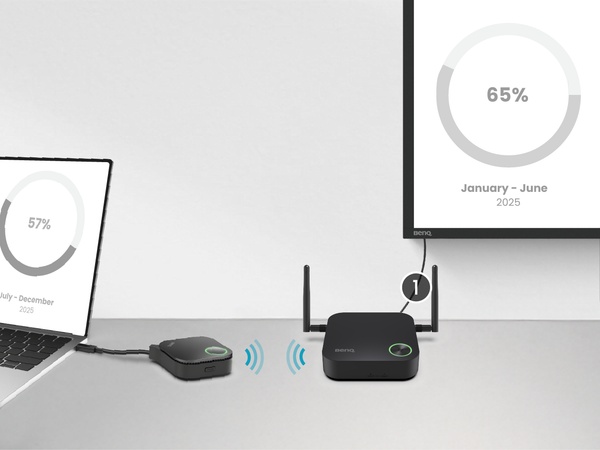
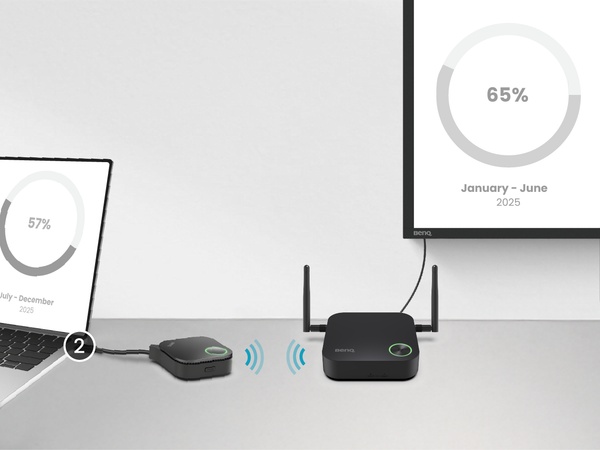
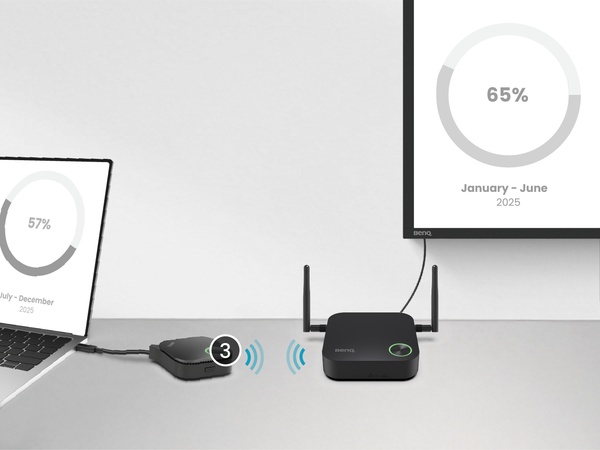
3 Steps for One-Time Wireless Presentation Setup