Dell Pro Thunderbolt 5 Dock - WD25TB5


Conquer intense workloads with the most powerful Thunderbolt 5 Dock, and with up to 300W power delivery.

Video Resolution
3840 x 2160
5120 x 2160
2560 x 1440
3440 x 1440
7680 x 4320
6144 x 3456

Interfaces
Thunderbolt 5

OS Required
Windows 10
Windows 11
Ubuntu 24.04
Red Hat Enterprise Linux 9.7
ChromeOS 141
macOS

Cables
83 cm

Features / Data Link Protocol
Power Delivery Pass-through
LED Power Indicator
Indicator Light

Power AI productivity
Maximise AI PC productivity with the industry’s most powerful Thunderbolt 5 dock¹ and seamlessly run Gen AI tools across up to four 4K 120Hz displays. Featuring Extended Power Range, deliver up to 300W over a single USB-C cable to power even the highest-performance AI PCs, while modern ports ensure broad connectivity.
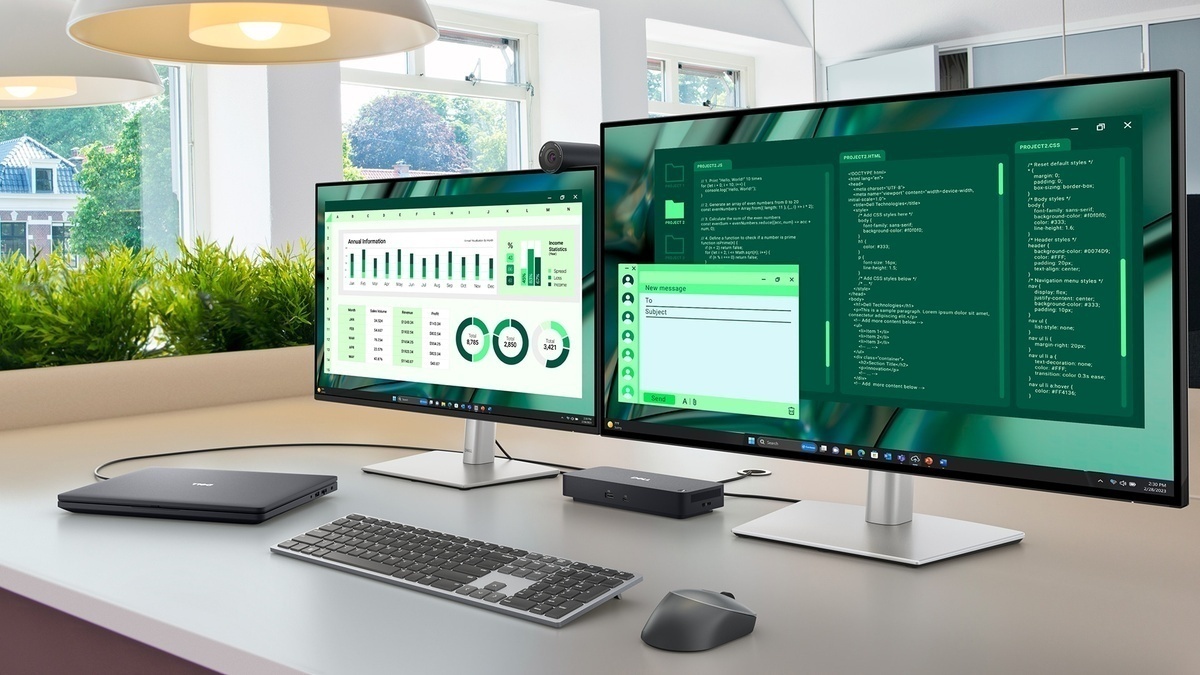
Accelerate manageability
Delivering ultimate IT efficiency across the modern workspace.
Improved manageability
Manage your dock through the Dell Device Management Console, using the Dell Display and Peripheral Manager along with the Dell Device Management Agent installed on your PC.
Simplify firmware updates
Reduce IT complexity by deploying a single firmware file across workspaces. Minimise end-user disruption with silent firmware updates, executed upon dock disconnection.
Unlock out-of-band management on select Intel® vPro® PCs with Intel® Active Management Technology (Intel® AMT) over Thunderbolt via the connected dock.
Work with confidence
Enhance your docking experience across brands with universally compatible features including MAC Address Pass-Through and Power Button Sync².
Connect your way
Configure your workspace to your liking with an ambidextrous USB-C cable³ that can be routed left or right.
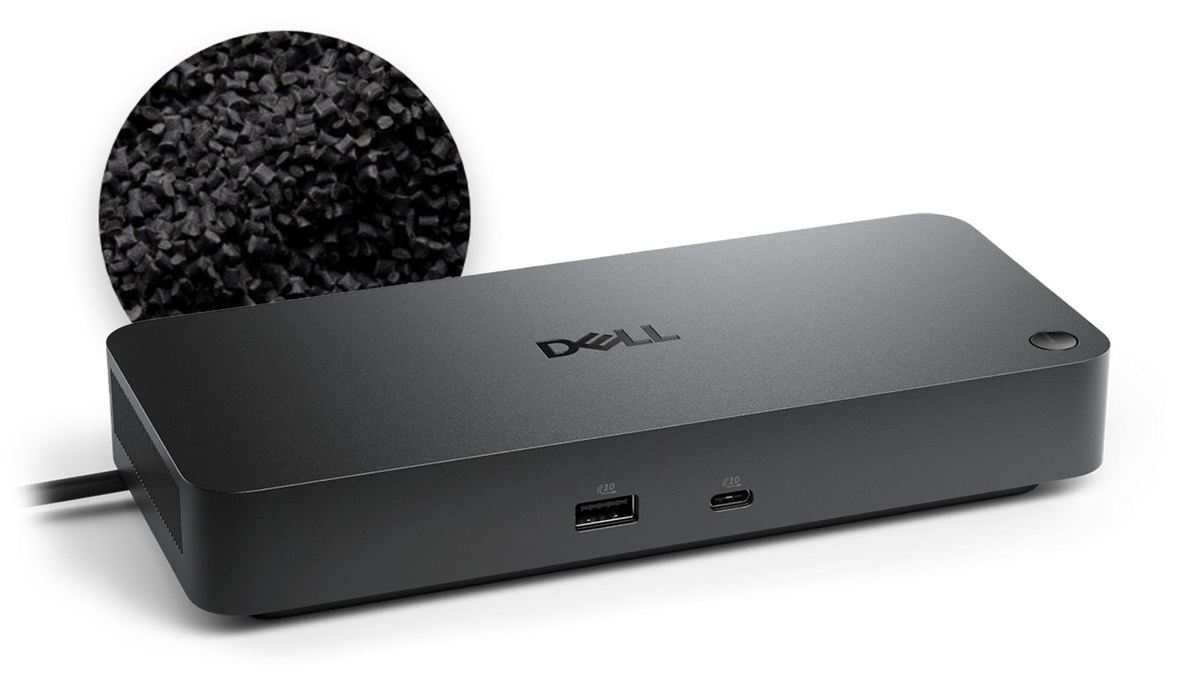
Improved sustainability
The new generation of Dell Pro Docks reflect a commitment to sustainable design innovation to reduce environmental impact. The WD25TB5 is built with sustainable materials and packaged with at least 65% post-recycled content (PCR) plastic¹ and 100% recycled or renewable packaging¹.
Ports and slots

Front side
1. USB-A 3.2 Gen 2 with PowerShare
2. USB-C 3.2 Gen 2
Rear side
3. USB-A 3.2 Gen 2 with PowerShare
4. USB-A 3.2 Gen 2 with PowerShare
5. USB-A 3.2 Gen 2 with PowerShare
6. HDMI 2.1
7. DisplayPort 2.1
8. DisplayPort 2.1
9. USB-C 3.2 Gen 2 Multifunction DisplayPort 2.1
10. Thunderbolt 5
11. Thunderbolt 5
12. 2.5 Gigabit Ethernet (RJ45)
13. Power In
1. Based on internal analysis, December 2024.
2. Power Button Sync will work with non-Dell notebooks if they support PD3.1 spec.
3. The accurate length of this cable is 0.83 meters. The image provided is for illustrative purposes only.